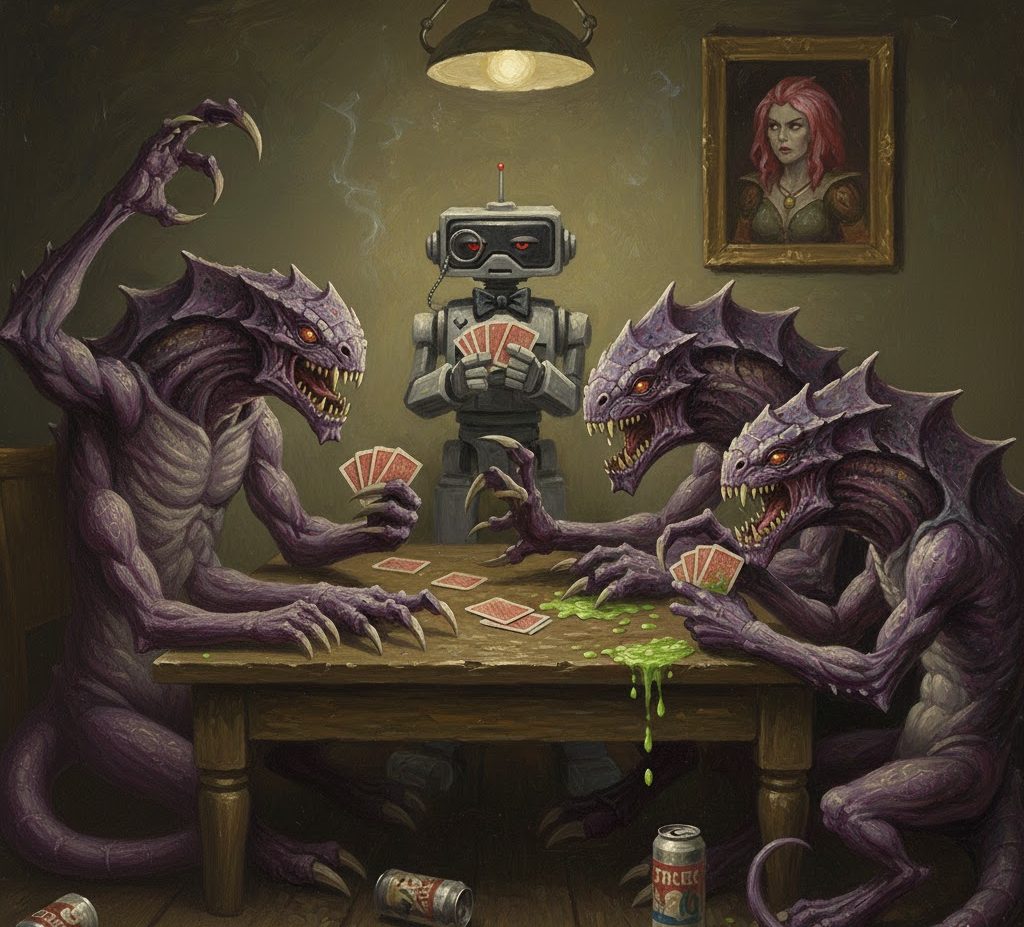
Around 9 years ago, before all the recent chicanery and LLM love in, deepmind was messing around in video games, and I had a nVidia 960gtx, and was still playing Warcraft 3 and Starcraft 2.
Deepmind released the first version of pySC2 (python Starcraft 2) https://github.com/google-deepmind/pysc2. It doesn’t seem to be actively worked on at the minute, probably because it’s quite mature. The bot making scene on top of Starcraft 2 is still going strength to strength.
Starcraft 2 is now free, and the tournament scene isn’t as massive as it was, but as mentioned the bot scene is quite interesting, with bots averaging 1200-25,000 apm (actions per minute) that’s at least10 times the speed of the best human Starcraft 2 players. They’re fascinating to watch.
Setting up pySC2
The basic setup of pySC2 is a bridge application, which hooks into the network code of Starcraft2, and the agent bots, that use a python script to determine how to behave.
- Clone the pySC2 git repository https://github.com/google-deepmind/pysc2
git clone https://github.com/deepmind/pysc2.git
pip install --upgrade pysc2/
If you have any issues with pyGame, then it’s because it relies on packages which were deprecated in python in version 3.10, then removed by 3.13. Create a virtual environment which uses python 3.10
uv venv --python 3.10If you still have problems, welcome to OSS development (snark). Try the following;
python -m ensurepip --upgrade
python -m pip install --upgrade pip
At which point pip install --upgrade pysc2/ should work without any wheel issues.. Note that I cloned the pysc2 library so I could edit it if I wanted.
2) Download Starcraft 2 via battle.net and complete the first few levels to activate the multiplayer mode.
https://starcraft2.blizzard.com/en-gb/Once installed, take a note of the Starcraft 2 installation directory, mine is D:\bn\StarCraft II
Smash a few zerg, then enable multiplayer and quit.
3) Now download all the maps you need and export into the maps folder of your starcraft install. The zip password is ‘iagreetotheeula‘ and they can be found at https://github.com/Blizzard/s2client-proto?tab=readme-ov-file#downloads
I downloaded the following maps and copied them to my Starcraft II/Maps folder
WorldofSleepersLE.SC2Map
WintersGateLE.SC2Map
TritonLE.SC2Map
ThunderbirdLE.SC2Map
EphemeronLE.SC2Map
DiscoBloodbathLE.SC2Map
AcropolisLE.SC2Map
AscensiontoAiurLE.SC2Map
OdysseyLE.SC2Map
AcolyteLE.SC2Map
AbyssalReefLE.SC2Map
MechDepotLE.SC2Map
InterloperLE.SC2Map
FrostLE.SC2Map
HonorgroundsLE.SC2Map
NewkirkPrecinctTE.SC2Map
ProximaStationLE.SC2Map
CactusValleyLE.SC2Map
PaladinoTerminalLE.SC2Map
AbyssalReefLE.SC2Map
BelShirVestigeLE.SC2Map
4) Now lets test that everything is set up correctly
python -m pysc2.bin.run_testsAs ever, if it fails, it usually means a package needs downgrading
pip install "protobuf<4"After which, check whether it can see the maps.
python -m pysc2.bin.map_listAll my maps were shown, so we’re good.
5) Now, the moment of truth, try and run a simple game
python -m pysc2.bin.agent --help --action_space: <FEATURES|RGB|RAW>: Which action space to use. Needed if you
take both feature and rgb observations.
--agent: Which agent to run, as a python path to an Agent class.
(default: 'pysc2.agents.random_agent.RandomAgent')
--agent2: Second agent, either Bot or agent class.
(default: 'Bot')
--agent2_name: Name of the agent in replays. Defaults to the class name.
--agent2_race: <random|protoss|terran|zerg>: Agent 2's race.
(default: 'random')
--agent_name: Name of the agent in replays. Defaults to the class name.
--agent_race: <random|protoss|terran|zerg>: Agent 1's race.
(default: 'random')
--[no]battle_net_map: Use the battle.net map version.
(default: 'false')
--bot_build: <random|rush|timing|power|macro|air>: Bot's build strategy.
(default: 'random')
--difficulty: <very_easy|easy|medium|medium_hard|hard|harder|very_hard|cheat_v
ision|cheat_money|cheat_insane>: If agent2 is a built-in Bot, it's strength.
(default: 'very_easy')
--[no]disable_fog: Whether to disable Fog of War.
(default: 'false')
--feature_minimap_size: Resolution for minimap feature layers.
(default: '64,64')
--feature_screen_size: Resolution for screen feature layers.
(default: '84,84')
--game_steps_per_episode: Game steps per episode.
(an integer)
--map: Name of a map to use.
--max_agent_steps: Total agent steps.
(default: '0')
(an integer)
--max_episodes: Total episodes.
(default: '0')
(an integer)
--parallel: How many instances to run in parallel.
(default: '1')
(an integer)
--[no]profile: Whether to turn on code profiling.
(default: 'false')
--[no]render: Whether to render with pygame.
(default: 'true')
--rgb_minimap_size: Resolution for rendered minimap.
--rgb_screen_size: Resolution for rendered screen.
--[no]save_replay: Whether to save a replay at the end.
(default: 'true')
--step_mul: Game steps per agent step.
(default: '8')
(an integer)
--[no]trace: Whether to trace the code execution.
(default: 'false')
--[no]use_feature_units: Whether to include feature units.
(default: 'false')
--[no]use_raw_units: Whether to include raw units.
(default: 'false')To run a zerg versus a human, run the following.
python -m pysc2.bin.agent --map ProximaStationLE --agent2 pysc2.agents.random_agent.RandomAgent --agent2_name spongebob --agent2_race zerg --agent pysc2.agents.random_agent.RandomAgent --agent_name squidward --agent_race protossBut oh no! I installed starcraft in a non-normal location.. I need to update SC2PATH in my virtual environment activation script .venv/scripts/activate.bat or activate.ps1 Either way, change, deactivate venv and activate it again then run.
Note: There may be a Fixed extra_ports bug in .venv\lib\site-packages\pysc2\lib\sc_process.py: This parameter wasn’t valid for subprocess.Popen() Added kwargs.pop(‘extra_ports’, None) before passing to subprocess.Popen()
A simpler start command is
python -m pysc2.bin.agent --map Simple64 --agent2 pysc2.agents.random_agent.RandomAgentHelper Script
import os
import sys

os.environ["SC2PATH"] = r"D:\bn\StarCraft II"

sys.argv = [
    'run_agent.py',
    '--map', 'ProximaStation',
    '--step_mul', '1', # Alternative: lower step multiplier (default is 8)
    '--agent2', 'pysc2.agents.random_agent.RandomAgent',
    '--agent2_name', 'spongebob',
    '--agent2_race', 'zerg',
    '--agent', 'pysc2.agents.random_agent.RandomAgent',
    '--agent_name', 'squidward',
    '--agent_race', 'protoss'
]

from pysc2.bin import agent
from absl import app

app.run(agent.main)
Creating a launcher means you can now concentrate on creating a bot and running the script rather than a monster command line.
Creating a Terran agent ai bot
A bot template must have a defined interface based on the BaseAgent class (pysc2/agents/base_agent.py)
from pysc2.agents import base_agent

class TerranAgentSimple(base_agent.BaseAgent):
    def __init__(self):
        super(TerranAgentSimple, self).__init__()
This extremely simple code would create a passive agent that just sits and picks its nose while Zerg picks over its bones.
from pysc2.agents import base_agent
from pysc2.env import sc2_env
from pysc2.lib import actions, features, units
from absl import app
import random

class TerranAgentSimple(base_agent.BaseAgent):
    def __init__(self):
        super(TerranAgentSimple, self).__init__()
For more information, see some of the examples online.
Training models
To create a learning model and more complex agents, you may need to install the dev version of pySC2 and create an environment for reinforcement learning, as well as have access to a Machine learning library and for ease of use, CUDA.
https://medium.com/data-science/create-a-customized-gym-environment-for-star-craft-2-8558d301131f
- Reward System Structure: PySC2 returns TimeStep(step_type, reward, discount, observation) with scalar rewards (0 on first step)
- Built-in Reward Types: Game score (score_index >= 0), win/loss (score_index = -1), or custom map-specific rewards via score_index
- Automatic Reward Tracking: BaseAgent automatically accumulates rewards in self.reward, accessible via obs.reward at each timestep
- RL Framework Integration: PySC2 works with standard libraries – Stable Baselines3 (PPO/DQN), TensorFlow (tf-agents/dopamine), and Ray/RLlib
- Custom Gym Environment: Create OpenAI Gym wrapper using gym.envs.registration.register() to integrate with any RL framework
- Environment Configuration: Control training with step_mul (8-22 normal speed), feature_dimensions (64×64 recommended), and game_steps_per_episode (0 = until win/loss)
- Custom Reward Functions: Override rewards by calculating based on game state – minerals collected, army size, buildings constructed, combat results, penalties for attacks
- Training Loop Structure: Reset environment → execute actions → get observations → train model → repeat until episode ends (win/loss/time limit)
- Popular RL Algorithms: PPO (best balance), DQN (discrete actions), A3C (faster learning), SAC (continuous actions) – PPO recommended for StarCraft II
- Monitoring & Visualization: Use TensorBoard for logging training progress, track metrics like win rate, APM, resource management, and combat effectiveness
LLM agents as Starcraft agent
There’s an interesting arxiv paper which details the thinking behind a LLM agent for StarCraft. LLM agents are very slow compared to trained models, so they’re not comparable to other trained models.
https://arxiv.org/html/2411.05348v2


I may come back and craft some silly agents, but I hope this helps others get started with a more colourful introduction to machine learning.